Vatteo learning centre
Shopify accounting, from software choice to close.
Follow 40 practical guides across 6 topics, from choosing software and setting up QuickBooks or Xero to reconciling payouts and closing the month.
Choose your starting point
Find the guidance your Shopify books need.
Start with the problem in front of you. Every guide belongs to one primary hub, so the next accounting step stays clear.
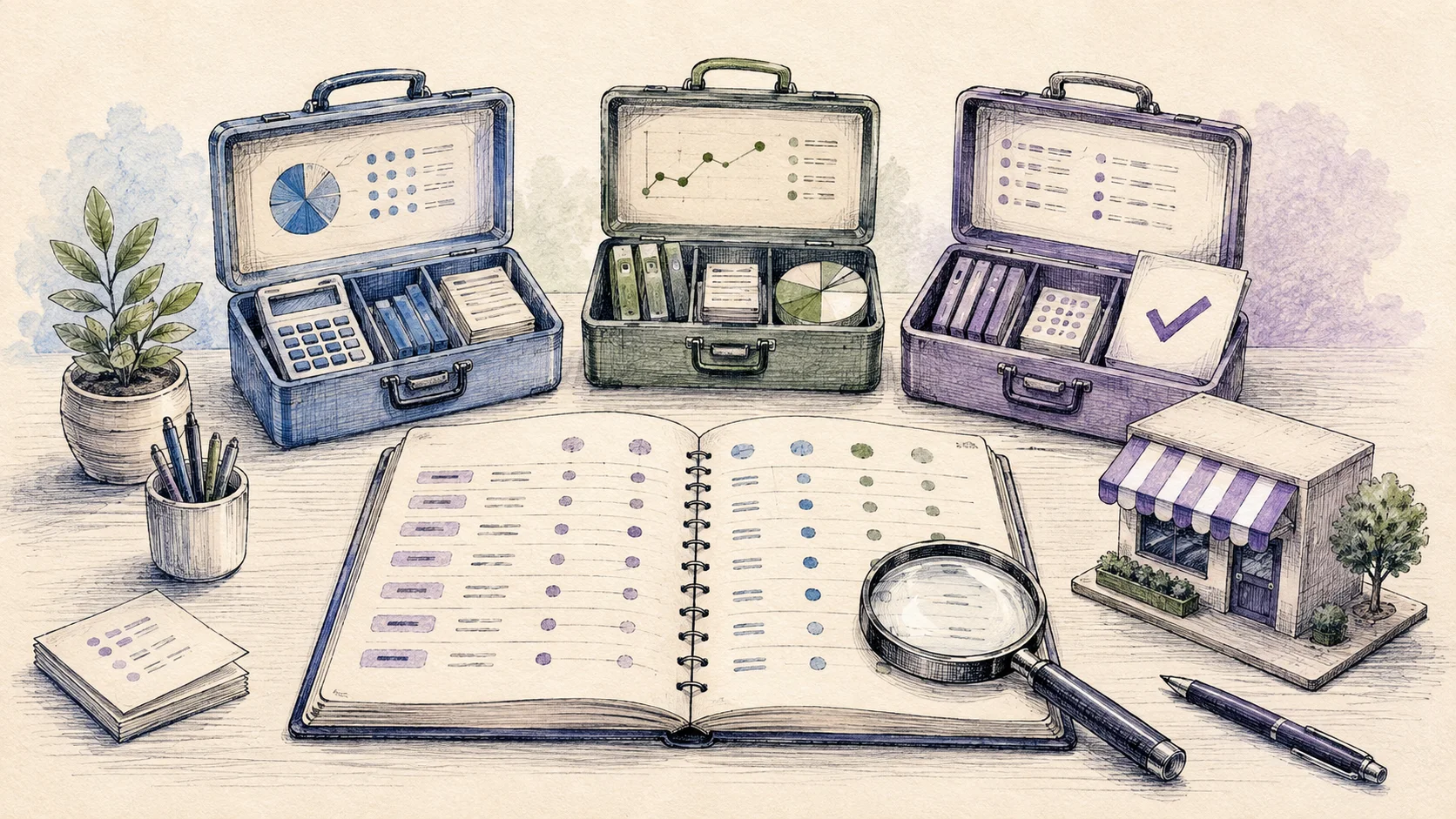
Software & comparisons
Choose Shopify accounting software, compare integration features and pricing, and see how Vatteo fits your QuickBooks or Xero workflow.

Payouts & reconciliation
Explain every Shopify deposit from gross sales through refunds, fees, adjustments, clearing, and the final bank match.

Accounting setup
Connect Shopify to QuickBooks or Xero, map the accounts, and prevent overlapping integrations from duplicating activity.

Month-end close
Close Shopify with complete payout coverage, correct cut-off, reviewed journals, matched cash, and documented exceptions.

Tax & VAT
Keep Shopify tax liabilities separate from sales and cash while reconciling US sales tax or UK VAT in QuickBooks.

COGS & profitability
Record product costs and liabilities correctly so Shopify gross profit is based on economic activity rather than net deposits.
Recommended learning path
Start with cash. Finish with a reviewed close.
- 01Explain the payout
Connect Shopify activity to the amount deposited in the bank.
- 02Choose and configure the software
Compare your options, then give Shopify activity a clear accounting home in QuickBooks or Xero.
- 03Close and review
Check cut-off, tax, product costs, exceptions, and final balances before sign-off.
Prefer to search directly?
Browse every Shopify accounting guide.
Search the full library for software comparisons, QuickBooks or Xero setup, payouts, tax, or month-end guidance.